
MacBase is a free directory of Mac apps. This review covers how to find apps by category and filter, what each app page shows, alternatives, deals and open source apps, how developers list their Mac app for free, featured spot pricing, the first week's numbers, and how MacBase compares to the Mac App Store, AlternativeTo and Product Hunt.
Quick Answer
If you want a new Mac app, the Mac App Store is the obvious place to start. The problem is that many of the best Mac apps are not in it. Their developers sell them from their own websites or share them on GitHub.
So you search Google instead, and find lists of the "best Mac apps" written two or three years ago. Some apps have changed their price, others have stopped getting updates, and you still need to check whether each one runs natively on your Mac.
Developers have the opposite problem. A good Mac app can sit unnoticed because there is no obvious place for Mac users to find it.
MacBase is a free directory built for both sides. It lists Mac apps from the Mac App Store, developers' websites and GitHub, shows the same key facts for every app, and lets developers list their apps for free.
What MacBase is
MacBase launched at the end of October 2026. In its first week, more than 160 Mac apps were listed, about 230 people signed up, and its domain rating, an SEO score for how well a site is linked from other sites, went from 0 to 44.
It covers Mac apps only, in more than 40 categories, from window management and menu bar tools to dictation, local AI, coding agents and cleanup. Browsing is free and does not need an account.
Finding the right Mac app
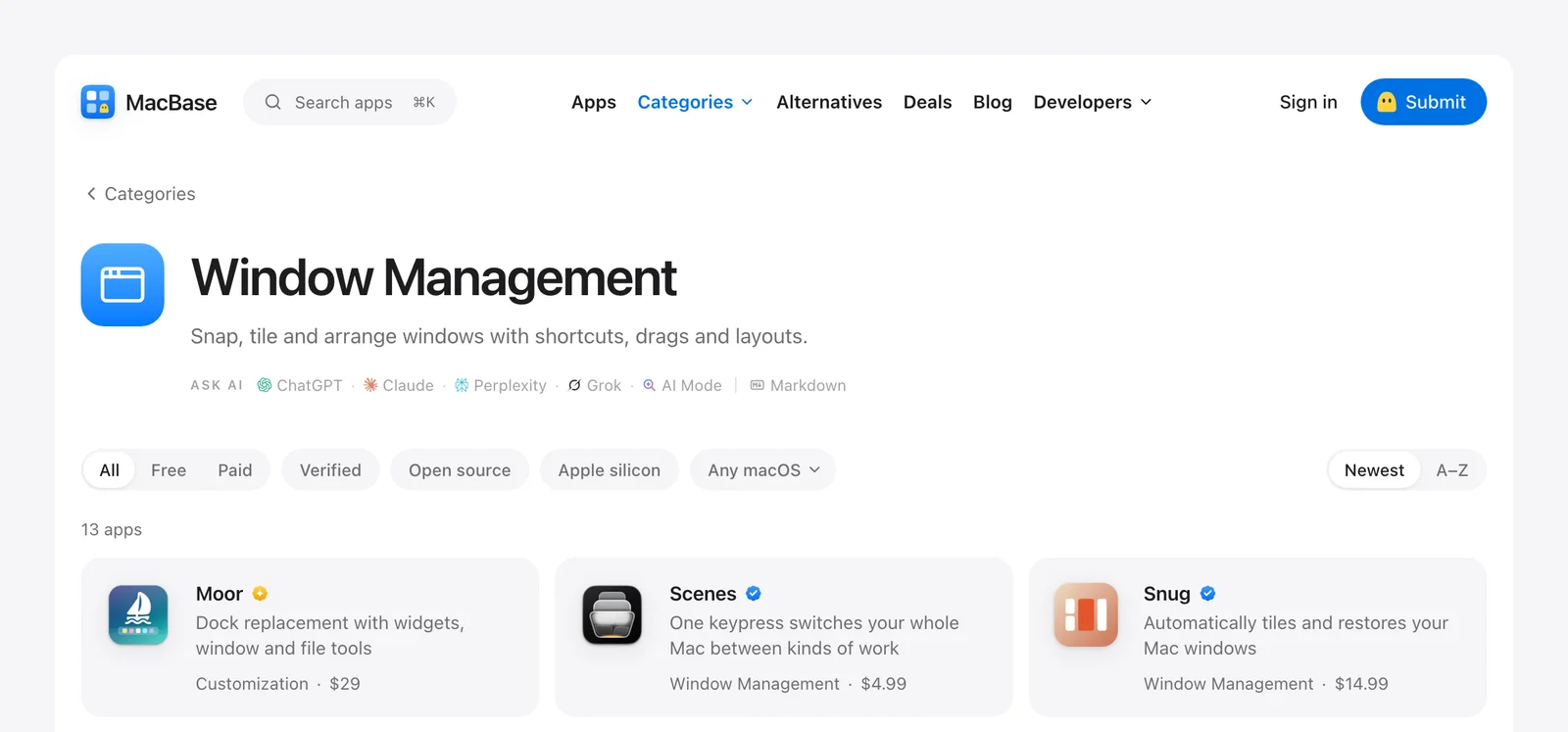
Browse by the job you need done. Categories are named after tasks, such as window management, clipboard, screenshots or system monitoring. You can filter any list by free or paid, verified, open source, native Apple silicon support, or your version of macOS.
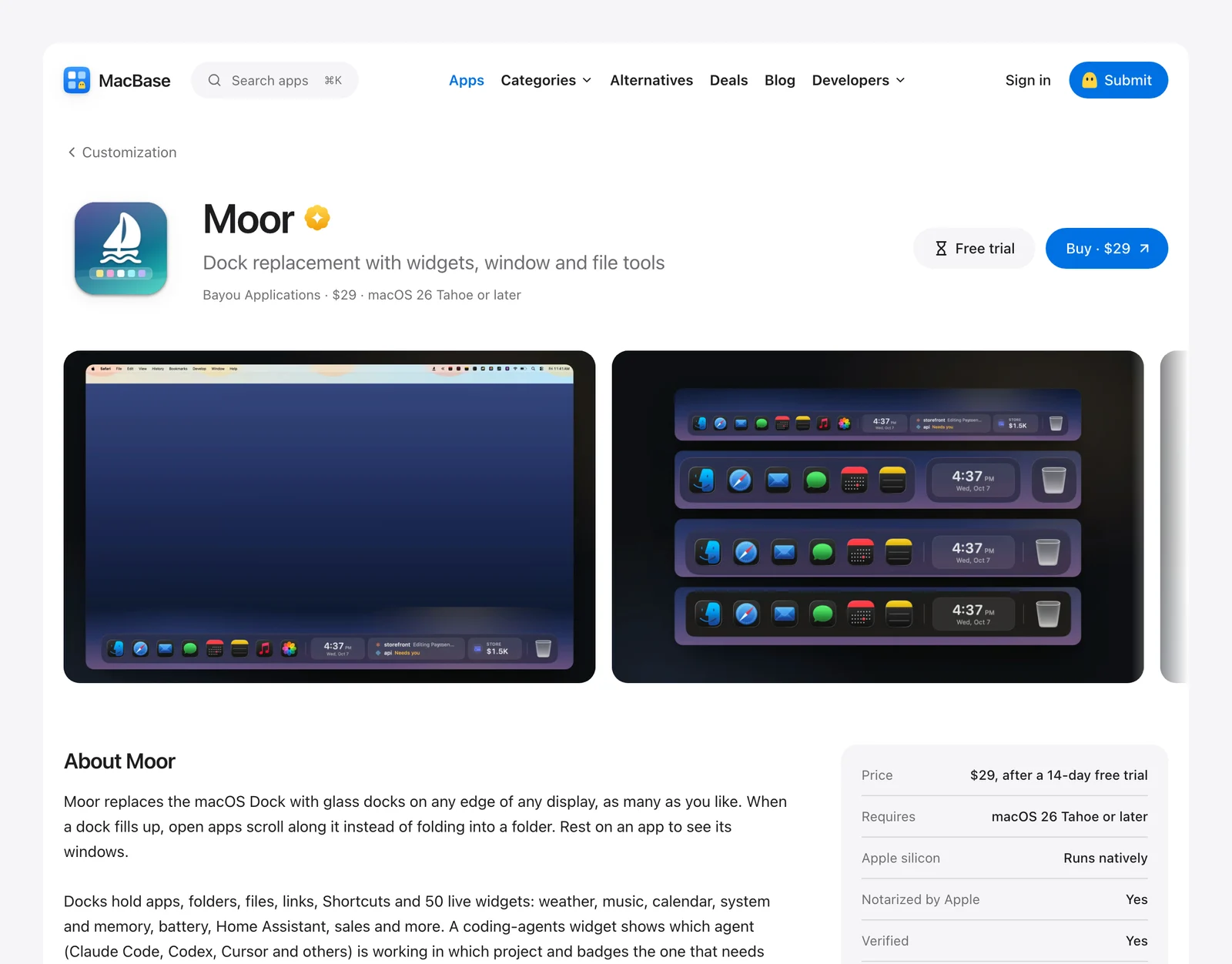
See the key facts before you download. Every app page shows the price, the oldest macOS version the app supports, whether it runs natively on Apple silicon, and whether Apple has notarized it. These are the details you would otherwise look for on each developer's website.
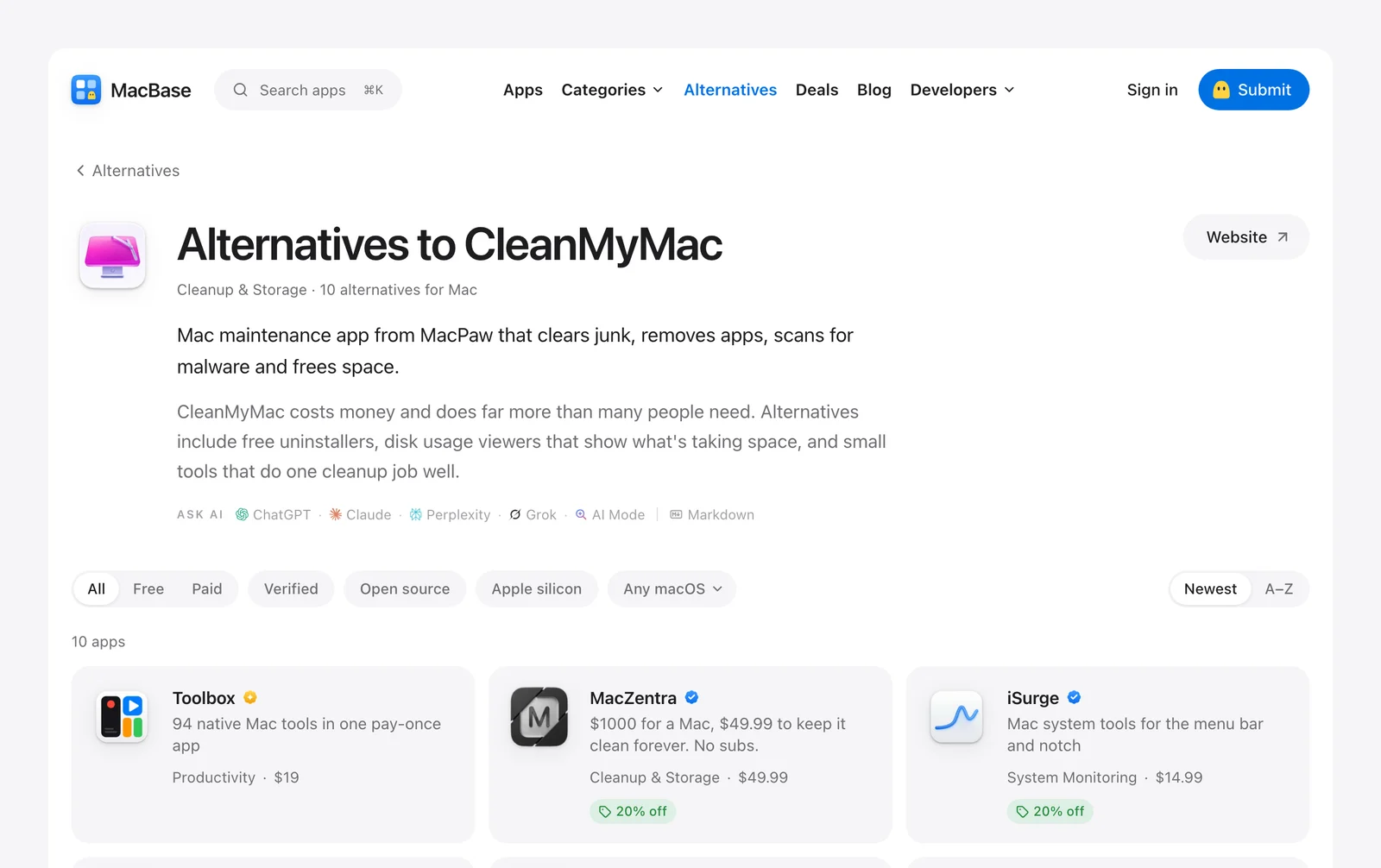
Find alternatives to apps you already know. The Alternatives pages start from a well-known app, such as CleanMyMac, iStat Menus, Raycast or Wispr Flow, and list the Mac apps people use instead. This is useful when a subscription price goes up or an app stops getting updates.
Other ways to browse:
- Deals. Developers offer discounts to MacBase members. A free account shows the codes.
- Open source. Mac apps with public code, sorted by their stars on GitHub.
- Offline apps. Apps that work without an internet connection.
- Your AI assistant. Add the MacBase public MCP server to Claude, ChatGPT or another assistant, and it can answer questions about Mac apps using real listings.
Listing your Mac app
Listing is free. Paste your Mac App Store link, website or GitHub repository, and MacBase fills in a draft for you to check and submit.
If you would rather not fill in a form, MacBase gives you a personal MCP link. Paste it into Claude, ChatGPT, Codex or Cursor and say "list my app".
Every listing is reviewed before it goes live, usually within a day. An AI review publishes listings that are clearly real Mac apps, and anything else is checked by a person. No app is rejected automatically.
What you get once your app is listed:
- A link to your website from a site with a domain rating of 44.
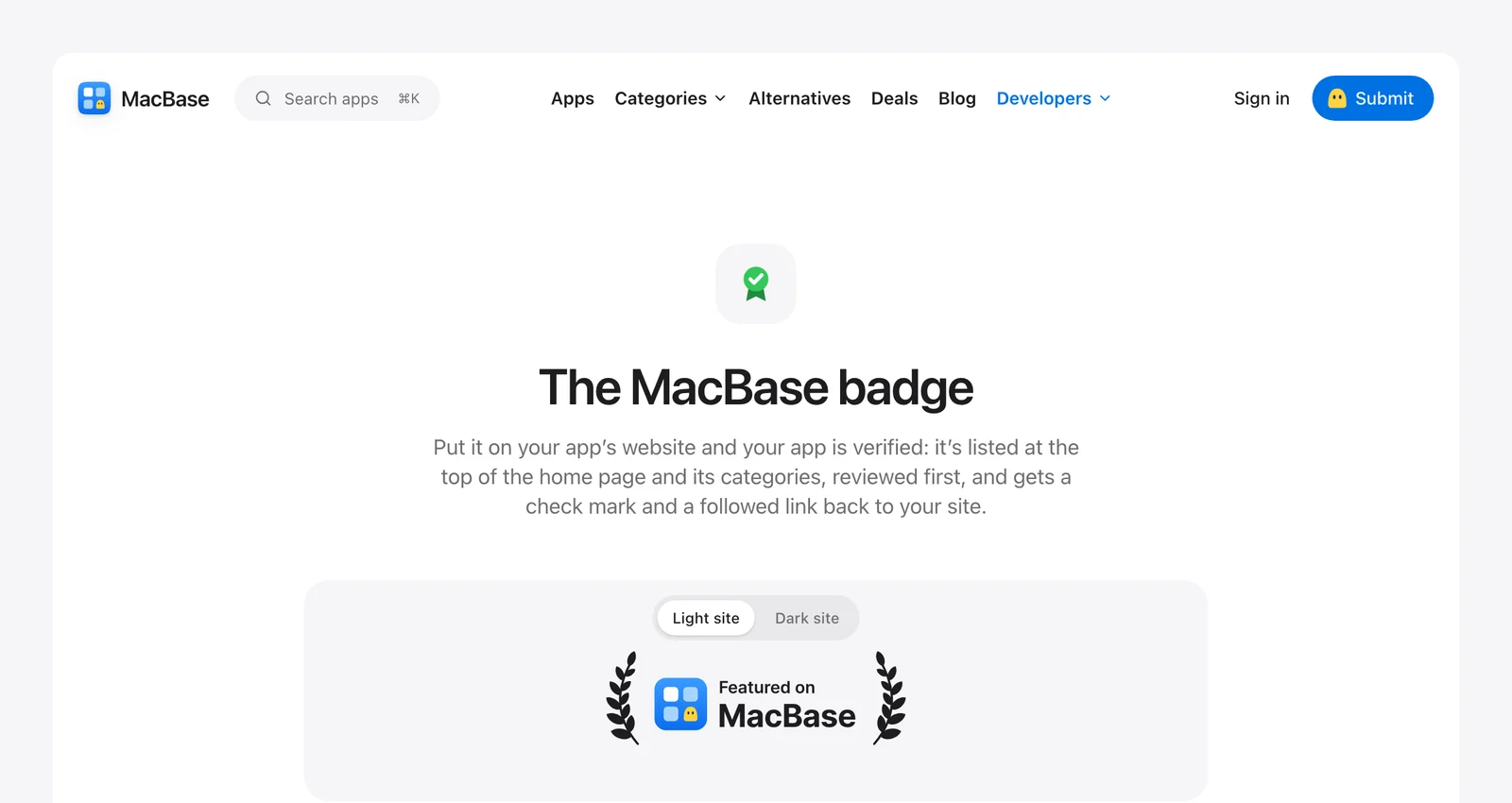
- A verified check mark. Add the MacBase badge to your website, and your listing gets a check mark and appears above unverified apps.
- Ready-made prompts for your coding agent, covering structured data, accessibility, release notes and getting ready for the next macOS.
Featured spots and pricing
Browsing and listing are free. MacBase makes money from featured spots, which put an app first on the home page, in its categories and in every list it appears in.
| Featured spot | Price | Per week |
|---|---|---|
| One week | $20 | $20 |
| One month (30 days) | $59 | About $14 |
| Three months (90 days) | $149 | About $12 |
Each is a one-time payment that does not renew. Featured apps carry a gold mark, so visitors can tell paid placements from regular listings. Your app needs to be listed before it can be featured.
How MacBase compares
| Mac App Store | AlternativeTo | Product Hunt | MacBase | |
|---|---|---|---|---|
| What it covers | Apps sold through Apple | Software for every platform | New products of every kind | Mac apps only |
| Apps from outside the App Store | No | Yes | Yes | Yes, including GitHub |
| Filter by Apple silicon and macOS version | No | No | No | Yes |
| Alternatives to well-known apps | No | Yes, its main feature | No | Yes, for Mac apps |
| Deals from developers | No | No | No | Yes, for members |
| Cost to list | Apple Developer Program membership | Free | Free | Free |
The Mac App Store is the safe default, but it only includes apps sold through Apple. AlternativeTo is good for finding alternatives, but it covers every platform, so Mac apps appear next to Windows, web and mobile apps. Product Hunt brings attention on launch day, but a launch lasts one day.
MacBase covers Mac apps only, from any source, with the same facts on every page, and a listing stays up after launch day.
Things to know
It is new. MacBase launched in late October 2026, and new apps are added every week. Some categories have only a few apps so far.
Three apps are from the same team. Vitals, Flit and Levers are made by the team behind MacBase, and the site says so.
Featured apps are paid. They appear first and carry a gold mark. Verified apps, which have the MacBase badge on their website, come next.
Who it suits
If you use a Mac and want a better app for a task, or a cheaper alternative to an app you already pay for, MacBase shows the price, macOS support and Apple silicon support in one place.
If you build Mac apps, a free listing puts your app in front of people who are looking for Mac apps, with a link back to your website. It takes a few minutes, or one message to your AI assistant.
If you are launching a Mac app, a featured week costs $20 and puts your app at the top of its categories for seven days.
Questions people ask
What is MacBase?
MacBase is a free directory of Mac apps. It lists apps from the Mac App Store, developers' websites and GitHub, and shows the price, macOS support and Apple silicon support for each one.
Is MacBase free?
Yes. Browsing, creating an account and listing an app are free. Featured spots cost from $20 a week.
How do I list my Mac app on MacBase?
Go to macbase.app/submit and paste your Mac App Store link, website or GitHub repository. MacBase fills in a draft for you to check. You can also list it through your AI assistant with your MacBase MCP link.
Does MacBase include apps outside the Mac App Store?
Yes. Many of its apps are sold from developers' websites or shared on GitHub.
How do I find alternatives to a Mac app?
Open the Alternatives page and pick the app you want to replace, such as CleanMyMac, Raycast or iStat Menus. MacBase lists the Mac apps people use instead.
Who makes MacBase?
MacBase is built by Atta, who also runs StartupBase and makes the Mac apps Vitals, Flit and Levers.
Verdict
Many good Mac apps are not in the Mac App Store, and most lists of the best Mac apps are out of date. MacBase puts Mac apps from every source in one place, with the details you need to decide whether an app is right for your Mac.
For developers, it is a free place to list a Mac app and get a link from a growing site, with paid featured spots when you want more attention.
It is still new, so some categories have only a few apps. Start with the categories you care about, and if a Mac app you like is missing, let its developer know that listing is free.
👉 Find your next Mac app on MacBase
Browse more of our product reviews.
Want a review like this for your own product? Order a StartupBase review.
Developer Tools
Mac Apps


 Continue with Google