
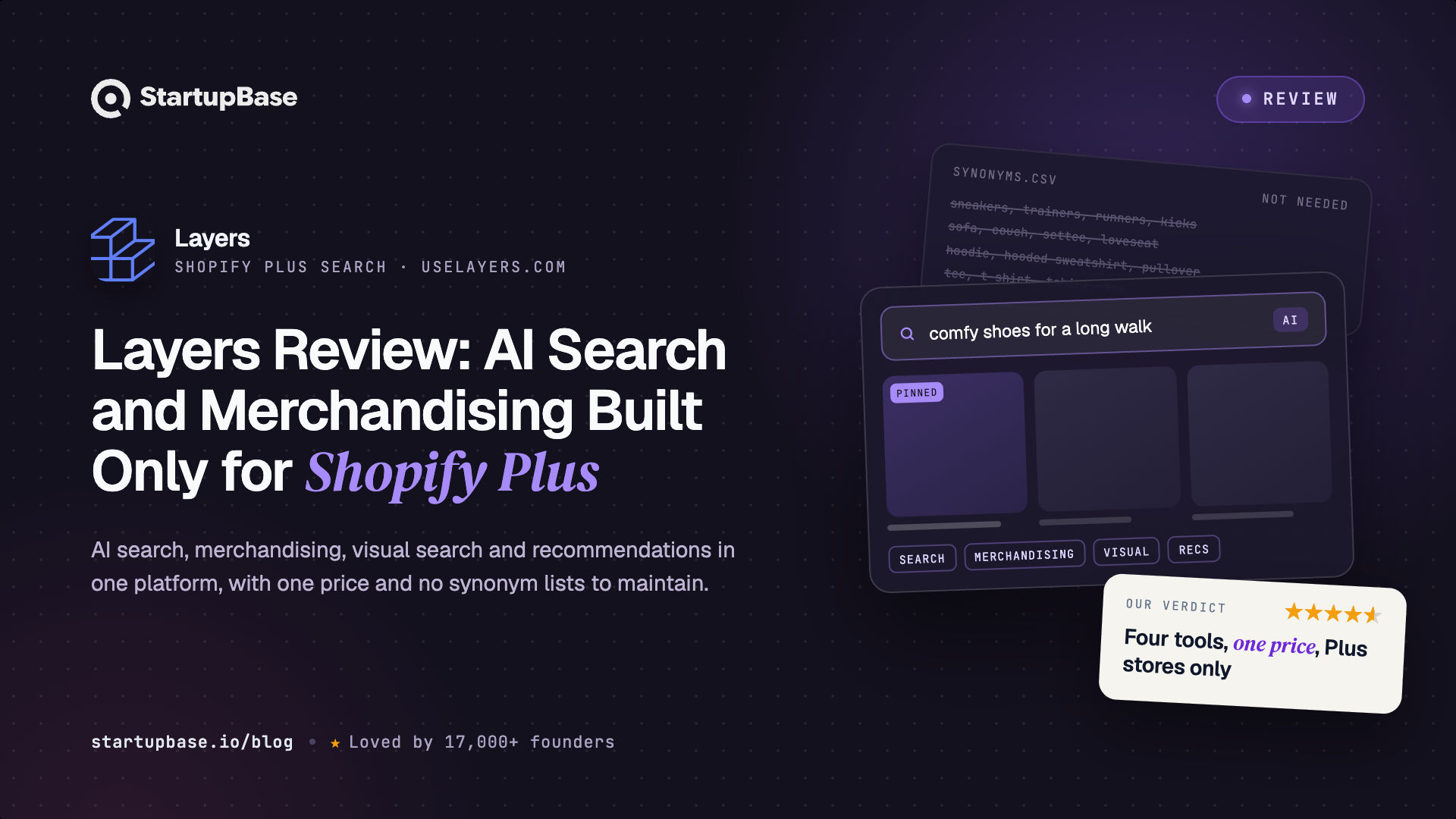
Layers is an AI search and merchandising platform built exclusively for Shopify Plus. This review covers its four products, how it ranks search results and collection pages, the Rainbow Shops results, how pricing works without a public price list, and which stores it suits.
Quick Answer
When a store has thousands of products, two things decide what shoppers find: search and the order of products on collection pages. Shopify's built-in tools cover the basics, but large stores outgrow them. Search can miss what shoppers mean, collection pages offer a few standard sort options like price, name and best-selling, and the team ends up moving products around by hand.
Layers is built for that problem. It is an AI search and merchandising platform made only for Shopify Plus, and it bundles four products into one: search, merchandising, visual search and product recommendations. There are no synonym lists to maintain, and catalog changes show up in search within minutes.
This review is based on the Layers website, documentation and customer stories. We have not run it on a live store.
Who Layers is for
Layers is built for brands on Shopify Plus, from growing stores to brands doing eight figures a year or more. It suits catalogs where search and sorting really matter, such as fashion, footwear, beauty, home goods and sporting goods.
It also targets two kinds of switchers:
- Brands moving to Shopify from Salesforce Commerce Cloud or Adobe Commerce, who miss the sorting and merchandising control they had before.
- Brands already on Algolia, Searchspring, Constructor, Nosto or Klevu, who want something cheaper and closer to how Shopify stores its data.
Search that understands what shoppers mean
Basic search matches the words a shopper types. Layers tries to understand what they mean. "LBD" becomes little black dress. "Cheap running shoes" pushes budget options up. Typos are corrected, and a query like "return policy" is sent to the right help page instead of returning products.
Results are ranked on five factors: meaning, exact keywords, shopper behaviour (views, add-to-carts and sales), how new the product is, and whether it is in stock. The merchandising team can change how much each factor counts from the dashboard, without asking a developer.
A few other details stand out:
- No synonym lists. The engine learns from clicks and purchases, so nobody has to maintain a list of words that mean the same thing.
- More than 100 languages, without a translated catalog.
- Personal results for returning shoppers, based on what they searched, clicked and bought before.
- Fast updates. A price change at 2pm shows in search by 2:01, so shoppers do not find products they cannot buy.
Collection pages sorted by what actually sells
Shopify's own sort options include price, alphabetical order and best-selling. Layers lets a team sort collection pages by how products actually perform, such as revenue over the last 7 days, margin, how much of the stock has sold, or return rate, and combine several of these in one sort order.
On top of the sort order, merchandisers can:
- Pin products to exact positions, or pin every product with a tag across every collection.
- Group matching products so a top and its matching skirt sit side by side.
- Limit repeats, so five colours of the same item do not fill the first row.
- Schedule rules for a campaign and preview them on the live store first.
- Show different rankings by country, marketing channel or device.
- A/B test ranking and merchandising changes against conversion and revenue.
Two more features are useful here. With Dynamic Linking, a shopper who clicks a tagged ad link lands on a collection page with the advertised products at the top, without anyone building a rule for that campaign. And for teams who want custom formulas, Layers has its own query language, LayersQL, to build metrics like "7-day sales by country" and use them in sorting.
Built for teams that edit at the same time
Merchandising rules and sort orders can be edited by several people at once, with live cursors, field locking and comments. On a launch morning, three people can work on the same collection and nobody overwrites anyone else's changes. Every plan includes unlimited seats, so the whole team can work in it.
Visual search and recommendations
Shoppers can search with a photo and get the exact product or the closest match from the catalog. Visual search is included on every plan rather than sold as an add-on.
Recommendations, which Layers calls Blocks, can go on product pages, the cart, the homepage, blog posts and emails. Each placement runs its own strategy. The product page can show items often bought together, while the cart shows products that close the gap to free shipping. If one strategy has nothing to show, a fallback fills the space.
What results look like
The clearest example is Rainbow Shops, a value fashion retailer with about 1,000 stores. After moving from Salesforce Commerce Cloud to Shopify, the team found Shopify's sorting too basic and tried Algolia and Searchspring before switching to Layers.
With Layers, Rainbow built a "What's Hot" sort order based on 7-day sales, so collection pages reorder every day. Matching pieces are grouped together, and buyers can still pin products by hand. Layers reports a 30% increase in conversion rate for Rainbow. The full Rainbow Shops story explains the setup.
Across its customers, Layers reports a 13% conversion lift in its top-performing traffic segments and a 14% lift in revenue per visitor. Those are the company's own figures.
How pricing works
Layers does not publish prices yet, though public pricing is coming soon. For now, it quotes each store based on its collection page views and searches over the last 12 months.
What is public is how the pricing works:
- One price for all four products. No separate charge for search, merchandising, visual search or recommendations, and no feature tiers.
- No overages. Usage is uncapped, so if traffic grows past the estimate, the rate stays the same.
- Renewals capped at 10%.
- Unlimited user seats.
- Onboarding included, with catalog sync, theme setup, launch support and unlimited training.
Layers says brands typically pay up to 40% less than they did on older platforms. You can also ask for a demo connected to your real Shopify catalog before committing.
Before you decide
It is for Shopify Plus only. Stores on standard Shopify plans, or on other platforms, are not the audience.
Pricing is not public yet. Layers plans to publish it soon. For now, you get a quote based on your traffic.
Shopify Markets support is partial. Translations and market regions work, but per-market pricing is not supported yet.
Blog posts do not appear in search results. Layers searches products only. Questions like shipping or returns are sent to the right page instead.
Who it suits
If you run a Shopify Plus store with a large catalog and your team spends hours sorting collection pages by hand, Layers can sort them automatically by what is selling and still lets you pin products when you need to.
If you moved from Salesforce Commerce Cloud and miss its sorting control, Layers is built to bring it back, and Rainbow Shops is a working example.
If you pay for Algolia or Searchspring and still rely on developers to change rankings, Layers puts those controls in the hands of the merchandising team.
If your storefront is custom built on Hydrogen or Next.js, Layers has developer tools for that too. It also connects to AI assistants like Claude and ChatGPT, so your team can check and change search and merchandising settings by asking in plain language.
Questions people ask
What is Layers?
Layers is an AI search and merchandising platform built only for Shopify Plus. It includes search, collection page merchandising, visual search and product recommendations in one platform.
Is Layers a good Algolia alternative for Shopify?
For Shopify Plus stores, it is built to be. It reads Shopify data such as metafields, bundles and B2B catalogs without custom work, needs no synonym lists, and lets merchandisers change rankings without a developer. Rainbow Shops switched from Algolia to Layers.
How much does Layers cost?
Layers does not publish prices yet, but plans to soon. For now, it quotes based on your last 12 months of collection page views and searches. All four products are included, usage has no overages, and renewals are capped at 10%.
Does Layers support visual search?
Yes. Shoppers can search with a photo and find the exact product or the closest match. It is included on every plan.
Does Layers work with Shopify B2B?
Yes. Search, collection pages and recommendations show the right products and prices for each B2B customer automatically.
How long does setup take?
Layers says days rather than weeks. The catalog syncs from Shopify automatically, and onboarding and theme setup are included.
Verdict
Layers covers search and merchandising for Shopify Plus, and nothing else. Because it only supports one platform, it works with Shopify's product data without custom work, and it lets the merchandising team control rankings without waiting on developers.
If you run a Shopify Plus store and your collection pages do not reflect what is selling this week, Layers is a strong option to put on your shortlist, and a demo on your own catalog is the quickest way to judge it.
Browse more of our product reviews.
Want a review like this for your own product? Order a StartupBase review.
Ecommerce
AI Tools
Shopify







 Continue with Google