
Pointer Cue
Make screen sharing easier to follow
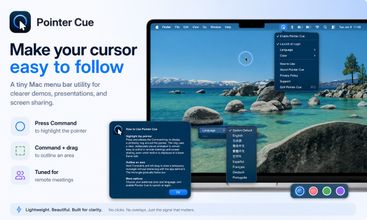
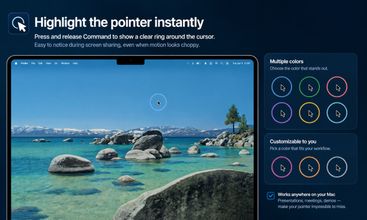
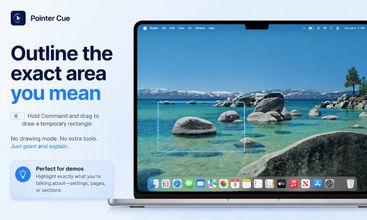
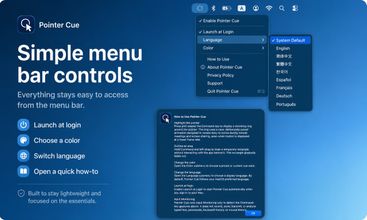
Pointer Cue is a lightweight Mac menu bar app for software demos, tutorials, support calls, and screen sharing. Press and release Command to briefly highlight the pointer. You can also make clicks visible, focus the active window, and frame a specific area by holding Command, Control + Command, or Option + Command while dragging. Choose the area-framing shortcut in the menu bar.
Pointer, click, and active-window highlighting are free, with white and red color options. Pointer Cue Pro is an optional one-time purchase that unlocks area framing, its shortcut options, additional colors, and custom colors. New users can try all Pro features for 60 days, with no automatic charge. Customers who purchased before v1.3.0 keep lifetime Pro access.
Pointer Cue runs locally and does not record your screen or typed text.


Trending Products
View all









Outrank
 🥇
aelívra
A personalised wellbeing platform that combines health records, symptoms, wearables, and evidence-based protocols for sleep, energy, nutrition, stress, and recovery.
 🥈
The Board
A public leaderboard where brands buy ranked spots, show a logo and link, and compete for attention through bids and takeovers.
 🥉
ScholarSail
AI study tools for students that turn notes into mind maps, spaced-repetition flashcards, and 3D memory palaces while organizing focused work.



 Continue with Google